
Owning a Tesla is a big investment. Keeping it clean is about protecting a high-tech car filled with sensors, cameras, and charging ports. Since the 2021.24.4 software update, owners have access to Tesla car wash mode, a built-in tool that prepares the vehicle for safe cleaning. Whether you are driving into a touchless tunnel or rinsing it at home, this setting helps prevent problems by sealing windows, folding mirrors, and disabling features that could cause trouble.
In this guide, we will explain how the cleaning mode works across different models, show you how to turn it on and off, share tips for automatic and hand washing, and clear up common problems like the button being greyed out or the system getting stuck. This feature makes sure the washing process is simple, safe, and stress-free.
What Exactly Is Tesla Car Wash Mode?
Think of Car Wash Mode as a quick setup that gets your Tesla ready for cleaning. Instead of adjusting settings one by one, the car does it all for you with just a few taps on the screen. The goal is simple: protect the vehicle and make the washing process smooth.
Here is what happens when you turn it on:
- Windows close so no water sneaks inside.
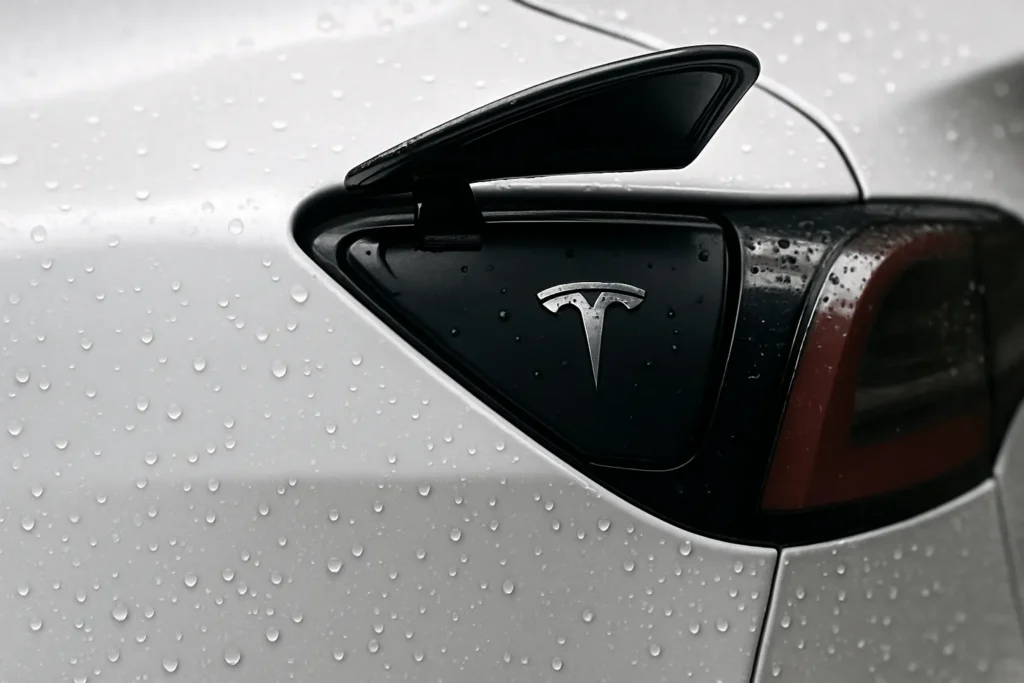
- Charge port locks to keep it sealed.
- Mirrors fold in to avoid scratches.
- Windshield wipers stop so they do not move unexpectedly.
- Sentry Mode turns off to save battery and avoid false alerts.
- Walk-away locking is disabled so the doors do not lock themselves mid-wash.
- Parking sensor sounds are muted so you do not hear constant beeping.
You also get quick access to two handy buttons:
- Screen Clean Mode: It lets you wipe the touchscreen without triggering random commands.
- Fold Mirrors: It makes sure the mirrors are tucked in before the wash begins.
For automatic tunnels, there is an extra option called Free Roll. This puts the car in a neutral position, allowing it to glide smoothly on a conveyor belt without braking or accelerating. It is especially useful at paid car washes where the vehicle needs to move steadily through the system.
This feature is designed to take the stress out of cleaning and give owners peace of mind every time they wash their car.
How Car Wash Mode Works
This setting is available across most Tesla models including the Model 3, Model Y with the Juniper update, Model S, Model X, and Cybertruck. The screen layout may look a little different depending on the car you drive. No matter which version you own, the purpose is to prepare the vehicle for washing by adjusting key features automatically. That way, you do not have to worry about windows, mirrors, or sensors during cleaning because the system handles them for you.
How to Enable Car Wash Mode
Before you start, make sure the car is parked. The system will not activate unless the vehicle is stationary. Once that is done, the process is quick:
- On the touchscreen, tap Controls.
- Select Service.
- Choose Car Wash Mode.
- Confirm by pressing Enter Car Wash Mode.
When the setting is active, the car automatically seals windows, locks the charge port, folds mirrors, disables wipers, and silences alerts. If you own an older Model 3 (built before 2020), you may need to close the trunk manually. The car will warn you if it is left open so you can shut it before water gets inside.
For conveyor-style automatic washes, you can also enable Free Roll. To do this, press the brake, shift into Drive, and tap the Free Roll button when it appears. The icon turns blue once it is active, allowing the car to glide smoothly through the tunnel without braking or accelerating.
This setup makes cleaning simple and safe. With just a few taps, your Tesla prepares itself so you do not have to worry about forgetting important steps.
How to Disable Car Wash Mode
Once you are finished with the wash, switching back to normal driving is simple. Tesla gives you two easy options:
- Use the Exit button: On the touchscreen, tap Exit Car Wash Mode. The car will immediately return to its regular settings.
- Just drive away: If you do not press the button, the system will automatically switch off once the vehicle reaches about 10 mph.
If the mode does not seem to exit right away, a quick restart of the touchscreen usually clears the issue.
Smart Tips for Using Automatic Car Washes with Tesla
Taking a Tesla through an automatic wash is not the same as washing a regular car. Because it is packed with sensors, cameras, and a charging port, you need to prepare it properly before entering. Here are a few simple tips to keep your vehicle safe:
- Turn on Car Wash Mode first: Always make sure the Car Wash Mode is turned on before entering. Without it, windows or ports may stay open, allowing water to get inside and harm the car systems.
- Choose touchless washes: Tesla advises using a touchless car wash, where only water and soap touch the vehicle surface. This helps protect the paint and sensitive parts from scratches or damage.
- Watch for alerts: Pay attention to any warnings on the screen, such as reminders about open windows or doors.
By following these steps, you make the cleaning process safer and easier. A Tesla is a valuable investment, and preparing it correctly ensures the car comes out of the wash looking fresh without unnecessary wear or damage.
Is It Safe to Take a Tesla Through a Car Wash?
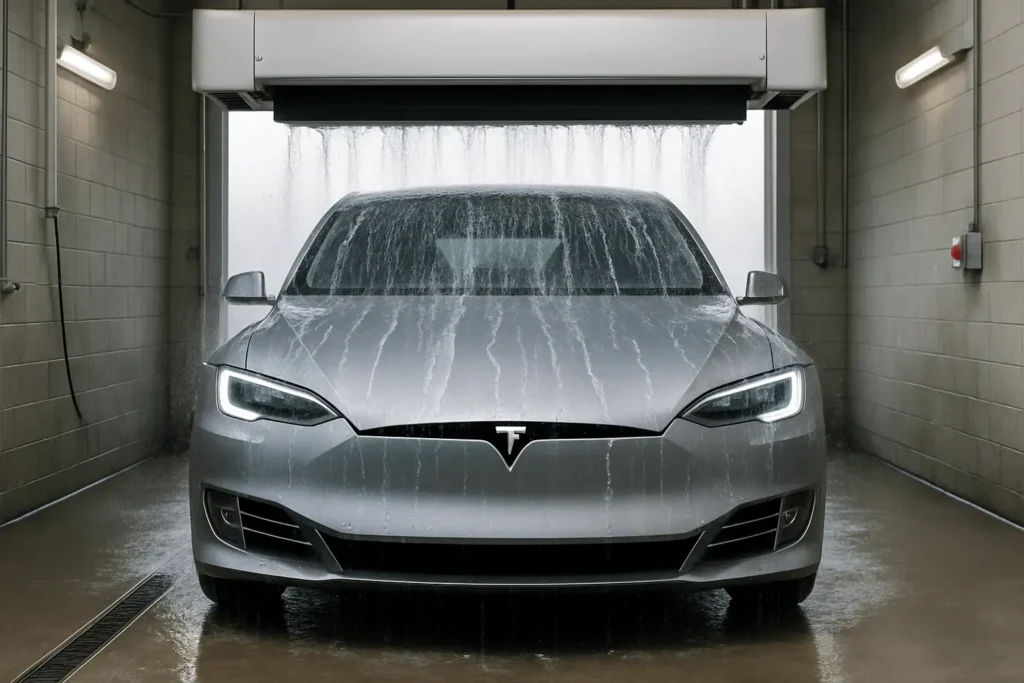
This is a common concern. Automatic washes are not always the best choice for Teslas. The brushes used in many systems can scratch paint and damage sensors. That is why Tesla and most owners recommend avoiding traditional car washes.
If you do go, choose a touchless wash that uses only water and soap, and always activate Car Wash Mode to keep the vehicle sealed and protected.
In most cases, careful hand-washing at home is the safest way to keep your Tesla looking new.
Washing a Tesla at Home: The Safer Option
Washing your Tesla at home is often the safest option. Many owners prefer it because it gives them full control and avoids the scratches or sensor damage that can happen in automated washes. Tesla also recommends hand-washing as a reliable way to keep the car clean.
- Start by rinsing the car with a garden hose to loosen dirt and remove larger debris.
- Use the two-bucket method, one bucket with clean water and the other with soapy water. This helps prevent dirt from scratching the paint.
- Wash with a soft microfiber mitt, rinse it often so you do not spread grit across the surface.
- Rinse again with clean water, then dry using microfiber towels to avoid streaks.
- For stubborn spots, a clay bar can lift embedded dirt.
- If you want extra shine and protection, apply a ceramic coating or detailing spray.
Tips for Hand-Washing a Tesla
- Wash in the shade to prevent water spots from forming.
- Rinse off soap before it dries to avoid marks.
- Use gentle, straight motions instead of circles to reduce swirl marks.
If hand-washing feels too difficult, you can still use a touchless car wash. Just remember to activate Car Wash Mode so the car seals itself and folds mirrors before cleaning begins.
Troubleshooting Car Wash Mode Issues
Sometimes the setting does not work as expected. Here are common problems and solutions:
- Greyed-out button: Usually happens if the car is not parked. Park it and then try again.
- Not working: Restart the touchscreen or update software.
- Stuck in cleaning mode: Tap “Exit” or drive away. If still stuck, reboot the system.
- Using the app: Some owners prefer activating it through the Tesla app for convenience.
These quick fixes solve most issues without needing service.
Is Tesla Car Wash Mode Really Worth Using?
It saves time, prevents mistakes, and makes cleaning less stressful. Instead of remembering to fold mirrors, lock ports, and mute sensors one by one, the car does it all for you.
It is especially useful in automatic tunnels where you need neutral gear. With Free Roll, you do not have to hold pedals or worry about sudden braking.
For hand-washing, the mode is not always necessary, but it can still help by sealing windows and stopping wipers.
In short, it is a smart tool that protects your car and makes cleaning easier. If you own a Tesla, it is worth using whenever you wash.
What to do before a Tesla car wash?
Make sure the car is parked and not charging. Turn on Car Wash Mode so windows, mirrors, and ports are sealed. If using an automatic tunnel, enable Free Roll so the car stays in Neutral and moves smoothly.
Can I put Tesla in Neutral for a car wash?
Yes. Use Free Roll to keep the car in Neutral during the wash. Press the brake, shift into Drive, and tap the Free Roll button when it shows up. The car will then glide without braking.
Do car washes scratch Tesla?
Brush car washes can scratch the paint and harm sensors. Tesla recommends using touchless washes that spray water and soap without brushes. This keeps the surface safe and clean.
Is it okay to take an EV through a car wash?
Yes, but choose carefully. Touchless or gentle washes with soft water jets are safe for EVs. Avoid harsh brushes or strong chemicals to protect the car paint and sensors.